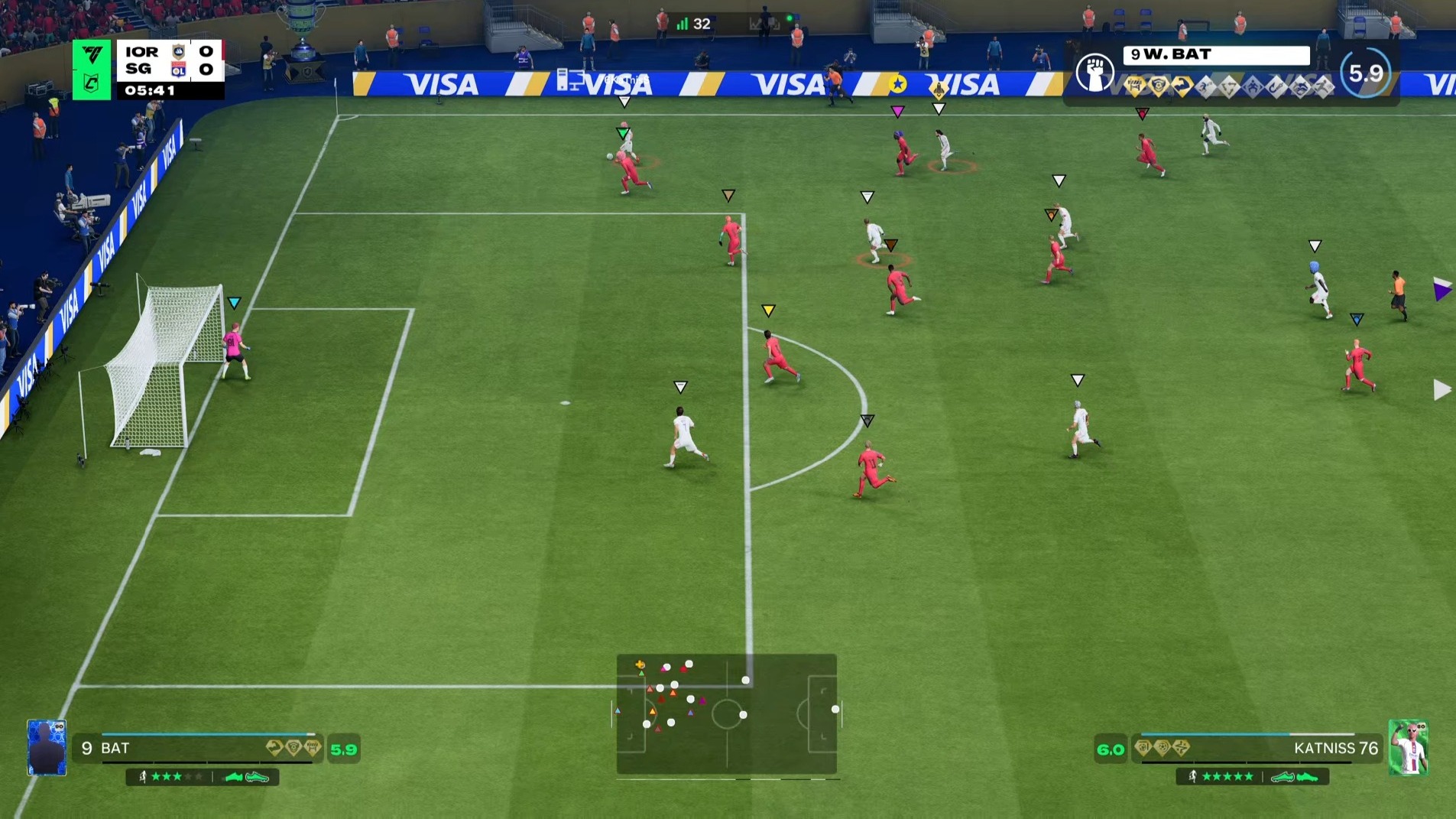
FC 26 Clubs Not Working? Matchmaking Status and Safe Fixes

FifaxNews Editorial Team
2026-07-25
Why the current FC 26 Clubs reports matter
If EA SPORTS FC 26 Clubs is not working, a failed search, lobby error and mid-match disconnect should not automatically be treated as the same fault. A local connection can stop one player, a platform outage can affect one ecosystem, and a live Clubs issue can block many otherwise healthy squads. On July 22, 2026, EA SPORTS FC Direct Communication acknowledged ongoing Clubs matchmaking issues. Reporting on that communication linked an intermittent live issue to Title Update 1.6.4, an emergency fix in 1.6.5 and continued investigation after additional testing found another problem. Version 1.6.5 addressed some errors seen when starting an online match, but it did not guarantee that every Clubs player was immediately clear of trouble.
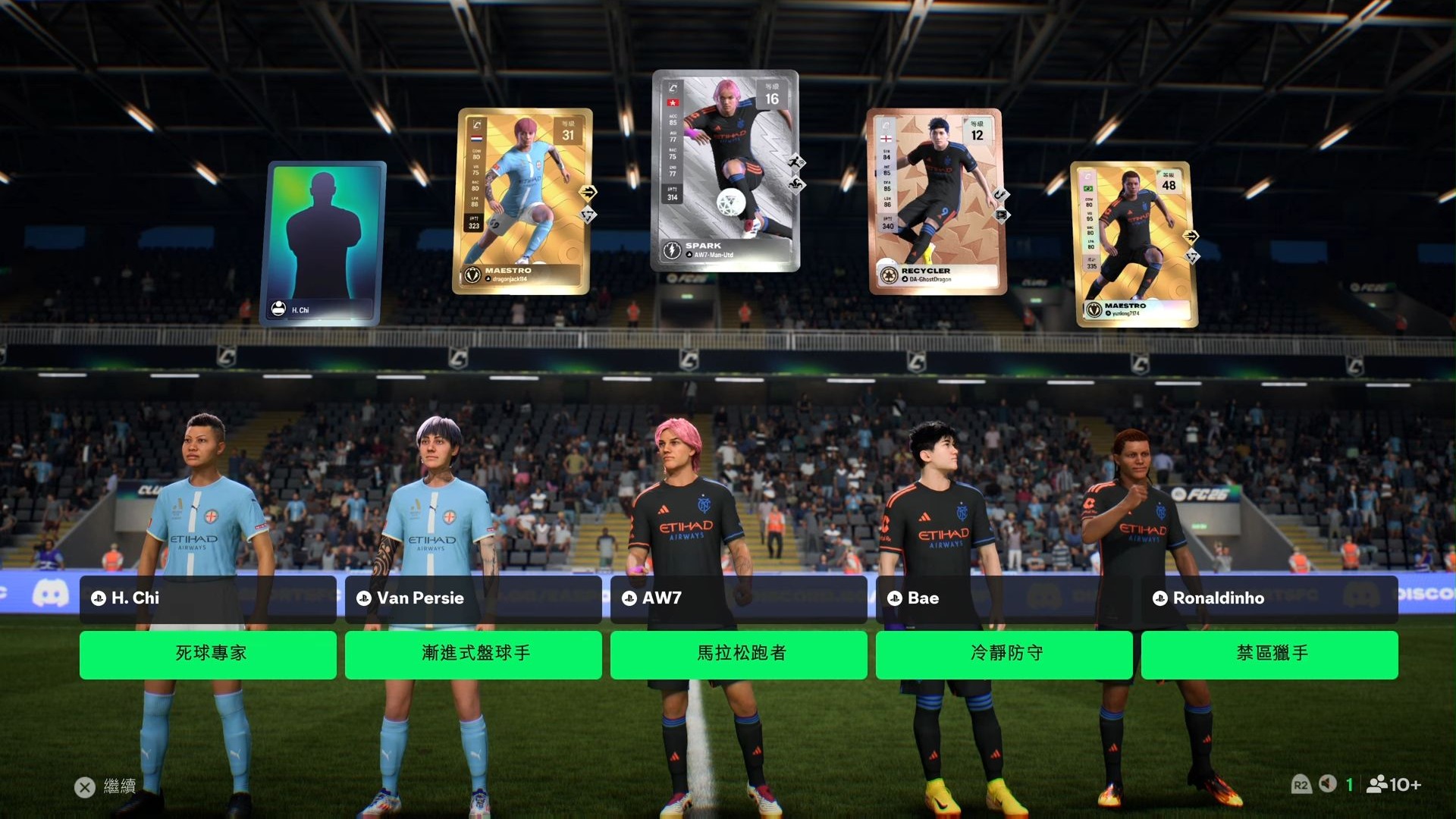
Start with service status, not settings
Before changing the game, account or router, check EA's server-status page for FC 26 and the official status page for PlayStation Network, Xbox network, Nintendo services, Steam or the EA app. EA's connection guidance also directs players to EA Help, the official @EASFCDirect account and their platform status. The aim is not to assign blame instantly; it is to separate a shared incident from a local problem you can actually improve.
- If several club members in different homes or regions fail at the same moment, pause invasive local troubleshooting and check for a shared incident.
- If other FC online features work while Clubs fails at the lobby, search or match-found handoff, the problem may be specific to Clubs.
- If friends can enter matches without you, you alone see connection warnings or other online games are unstable, investigate your local connection, account and platform.
- Always note the timestamp and time zone of a status post because live-service information can change quickly.
What “Clubs not working” can look like
The search phrase covers several failures, and naming the symptom accurately makes troubleshooting and support requests much more useful. Record where the flow stops, the exact message and whether the whole squad sees the same result.
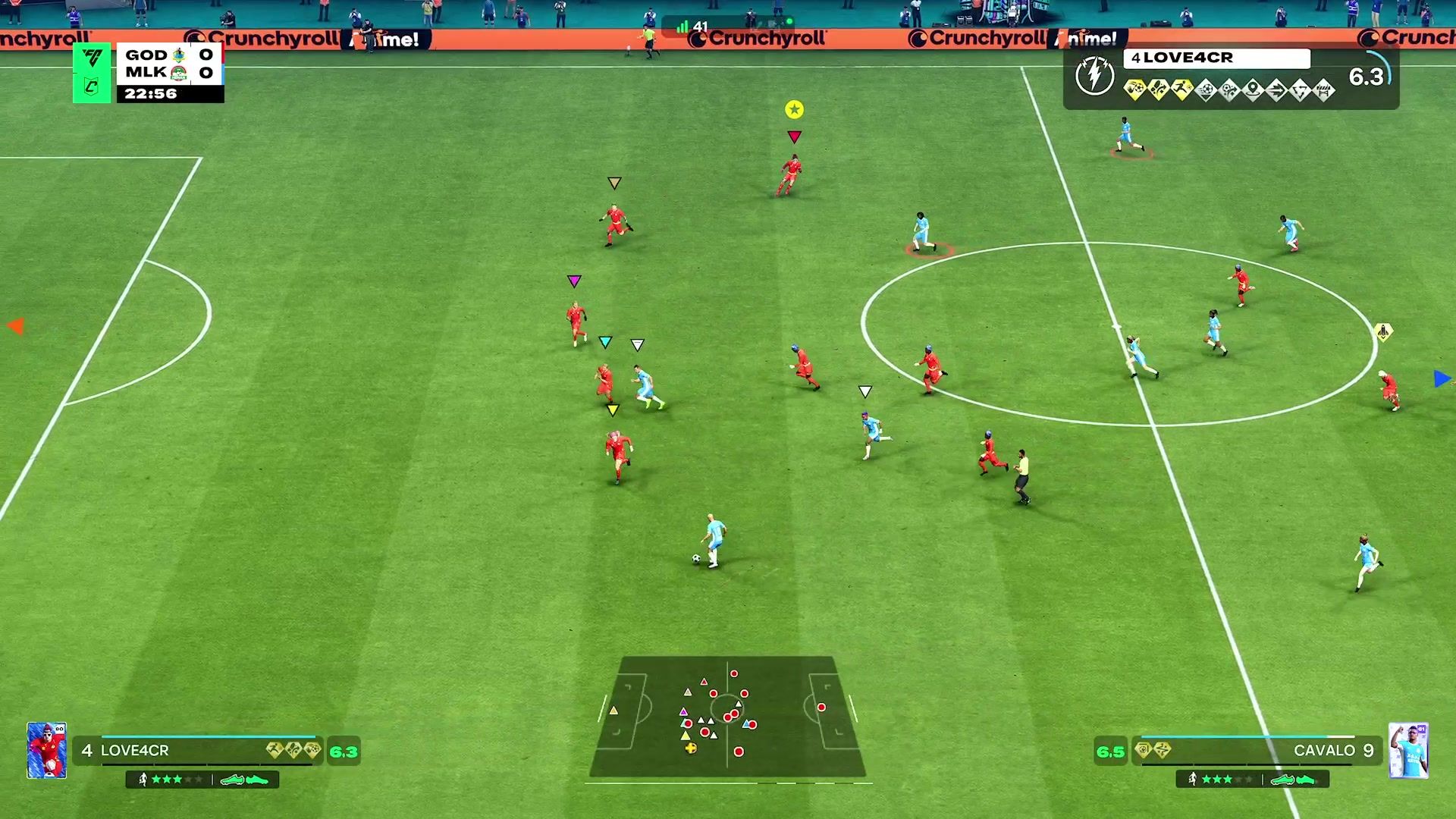
- Clubs will not open or the lobby will not load: the game may return to the main menu or fail to populate the lobby during a service incident, after an update or when account and platform services cannot complete their connection.
- Matchmaking searches forever: an endless search can reflect a live incident, a thin regional queue, incompatible group conditions or a handoff that cannot complete. During an acknowledged outage, it should not be presented as proof of a local-network fault.
- A match is found but the group receives an error: note the wording and whether it appears before or after an opponent is found. The timing is especially relevant when comparing the failure with the targeted 1.6.5 fix.
- The match starts but disconnects, freezes or suffers severe delay: this is where ping, jitter and packet loss become particularly relevant. EA's Connection Quality guide explains how the route through your home network, ISP and EA data centres affects play.
- Progress, club information or a feature appears unavailable: take a screenshot and check whether the issue is acknowledged before deleting a club, player or local save. A service-side entitlement or data problem usually needs a server-side correction.
A practical FC 26 Clubs diagnostic sequence
Use the following order to minimise disruption and preserve useful evidence. Complete each comparison once, record the result and stop changing local settings when the evidence points to a live EA or platform incident.
- Check FC 26, EA and platform service status, then review recent @EASFCDirect posts with the correct time zone.
- Compare the experience within the squad: ask whether teammates can enter Clubs, find a match and reproduce the same error.
- Test one other FC online function only as a diagnostic comparison. If everything fails, focus on account, platform or network connectivity; if only Clubs fails for many players, retain that detail for support.
- Confirm that FC 26 and the platform client or EA app are fully updated, then completely close and restart the game.
- Restart the console or PC once and power-cycle the router for about 30 seconds. Repeating this many times is unlikely to repair a known service incident.
- Pause downloads, cloud backups, streams and updates on the same connection. Disconnect a VPN for the test because it can add distance and instability on the route to an EA data centre.
- Prefer Ethernet for a stability test. If Wi-Fi is unavoidable, use the band appropriate to your distance from the router and avoid treating one successful attempt as proof that Wi-Fi caused a wider outage.
- Document the platform, FC 26 version, approximate location, time, complete error and whether teammates were affected, then wait for official service updates when the evidence points to EA.
Safe fixes versus risky troubleshooting myths
Restarting a router once, updating the game, testing Ethernet, checking PC network drivers, reviewing router firmware and reducing congestion are reasonable ways to rule out local instability. None is a guaranteed repair for an EA live issue. There is no evidence that repeatedly creating or leaving a club, deleting saved data, changing an EA Account link or buying a network booster fixes a server-side matchmaking defect. Be especially careful with account linking: unlinking and relinking is not a casual reset button and should only be done when EA support directs it for your case.
- Low-risk checks: update the game and client, restart once, reduce network load and test a stable wired connection.
- Context-dependent checks: update PC network drivers, review router firmware, Wi-Fi congestion and Quality of Service settings.
- Avoid deleting clubs, players or saves while a live feature appears unavailable.
- Avoid random DNS, account-linking or repeated club-recreation changes when a service incident is acknowledged.
Cross-play, party composition and queue expectations
Clubs depends on lobby, account, platform, matchmaking and game-server layers, so a group can appear ready while one layer still fails. Keep comparisons simple: use the same club, one host and the same small group for a single attempt, then record the outcome. Changing the host, party, network, account settings and installation at the same time removes the ability to identify what mattered. A quiet region, unusual playlist or off-peak hour can also lengthen a search, but an explicit error, widespread simultaneous reports or an official acknowledgement should shift the working assumption toward a service incident.
When and how to contact EA Support
Contact EA Support after checking service status and completing the low-risk steps, especially when the problem remains isolated to your account or platform after an incident is marked resolved. The FC 26 support hub includes support options and the Connection Quality Report. That report uses recent match data to show a pattern in your own connection; it is not a real-time outage detector.
- Your platform and whether you launch through Steam, the EA app or a console.
- The exact FC 26 version shown by the game.
- The complete error message plus a screenshot or short video.
- The date, time and time zone of the failure.
- The affected Clubs activity: League, Friendlies, Drop-In or a Live Event.
- Whether teammates in other homes or on other platforms saw the same result, and whether other FC online modes worked.
- The steps already completed, such as updating, restarting, testing without a VPN or trying Ethernet.
The bottom line
“FC 26 Clubs not working” is a real issue category rather than proof that every player has a bad internet connection. EA acknowledged ongoing Clubs matchmaking problems in July 2026, and the reports around updates 1.6.4 and 1.6.5 change the responsible advice: check official status first, preserve evidence and do not damage your setup chasing a fix only EA can deploy. When official services are healthy and the failure is unique to you, work through measured local checks. When the problem is widespread or acknowledged, official updates and patience are the actual solution.
المصادر
الأسئلة الشائعة
Q:Why is FC 26 Clubs not working?
Possible causes include an EA Clubs matchmaking incident, a platform outage, account or version mismatch, a thin regional queue, or a local connection problem. Check official status and compare results with teammates before changing settings.
Q:How can I tell whether the problem is server-side?
A simultaneous failure across different homes or regions, an official acknowledgement, or other FC modes working while Clubs repeatedly fails all support a shared-service diagnosis. They are stronger evidence than a single isolated error.
Q:Should I reinstall FC 26 or delete my club?
Not as an early response to a live incident. First check status, update and restart once, preserve screenshots and compare the squad's experience. Deleting data or recreating a club can create a second problem without fixing a server fault.
Q:Did Title Update 1.6.5 fix every Clubs matchmaking problem?
No such guarantee was given. The update targeted an error seen when attempting to start an online Clubs match, while other service, platform, network or account failures can still produce similar symptoms.
Q:What details should I send to EA Support?
Include the platform, game version, exact error, date and time zone, affected Clubs activity, whether teammates reproduced it, whether other FC modes worked and the low-risk troubleshooting already completed.
This troubleshooting article is based on the cited EA guidance and reporting available on July 25, 2026. Live-service status can change after publication. FifaxNews is independent and is not affiliated with or endorsed by Electronic Arts.